5 Partners Max
The total balances for the current and prior year in the Statement of Partner's Capital is transferred as a single line item on the Balance Sheet. The following features are available:
| Number | Name | Description |
|---|---|---|

|
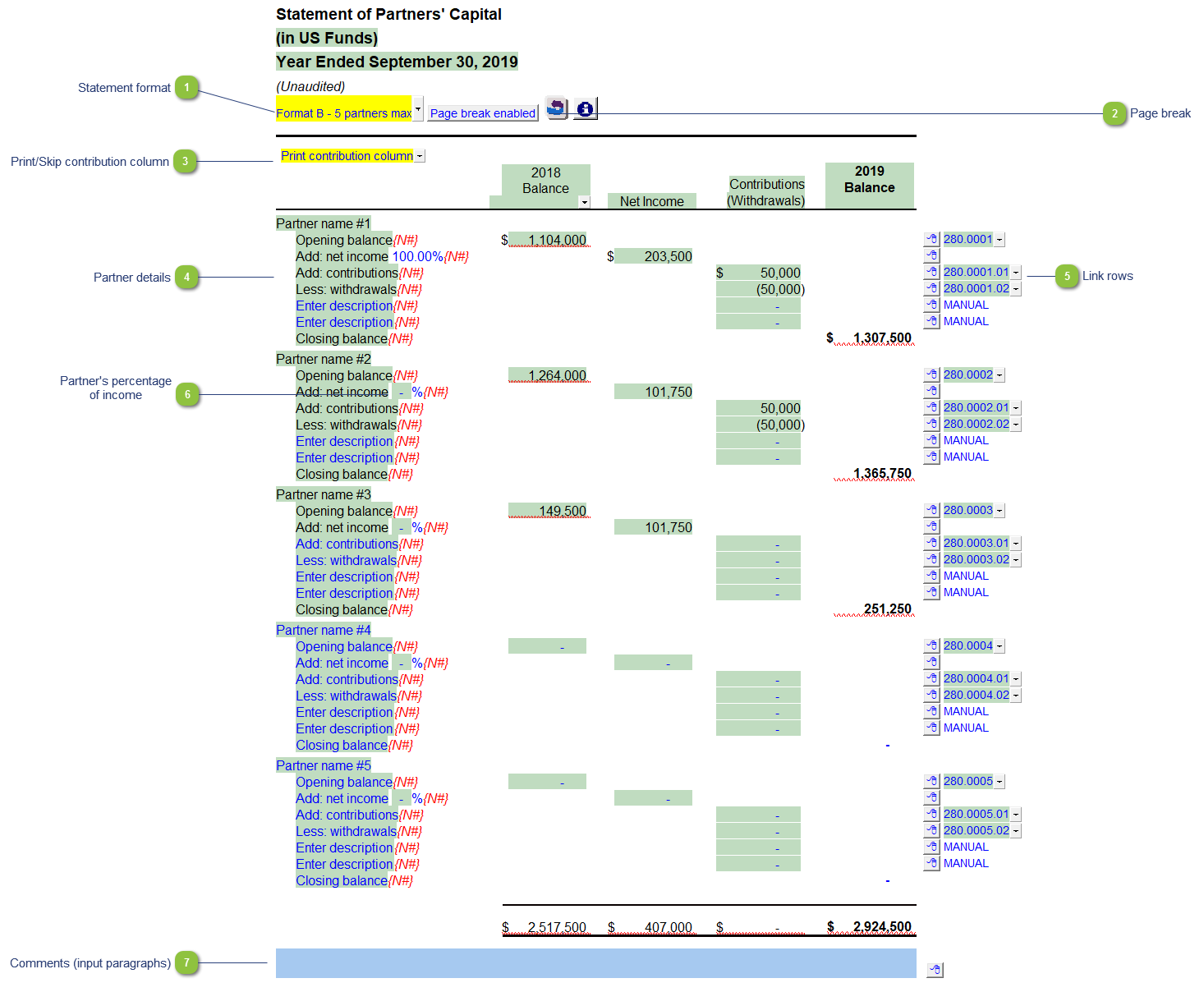
Statement format |
Click on the button or use the popup menu to select the desired statement format. |

|
Page break |
Toggle to enable or disable page break above the table. |

|
Print/Skip contribution column |
Choose to skip or print the contribution (withdrawals) column. |

|
Partner details |
Partner details can be automated using mapping or use the express menu to add more manual rows or to manually sort the rows within the partner details section. |

|
Link rows |
The link rows for the partner's opening balance, net income, contribution and withdrawals are displayed as default. You can also insert additional manual rows using the express menu. |

|
Partner's percentage of income |
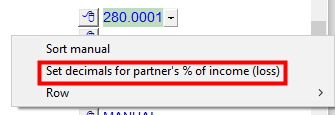
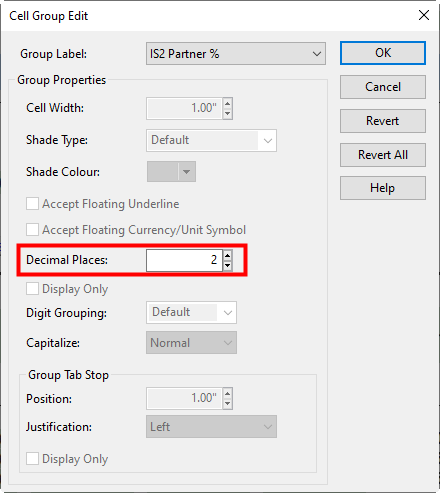
Type in the partner's percentage of income. The total income is shown under the first partner and will be adjusted as the income is distributed among the remaining partners. Right-click on the express menu to set the number of decimals you want to show.
|

|
Comments (input paragraphs) |
Accompanying text can be entered here if required. |