Engagement Letter Highlights
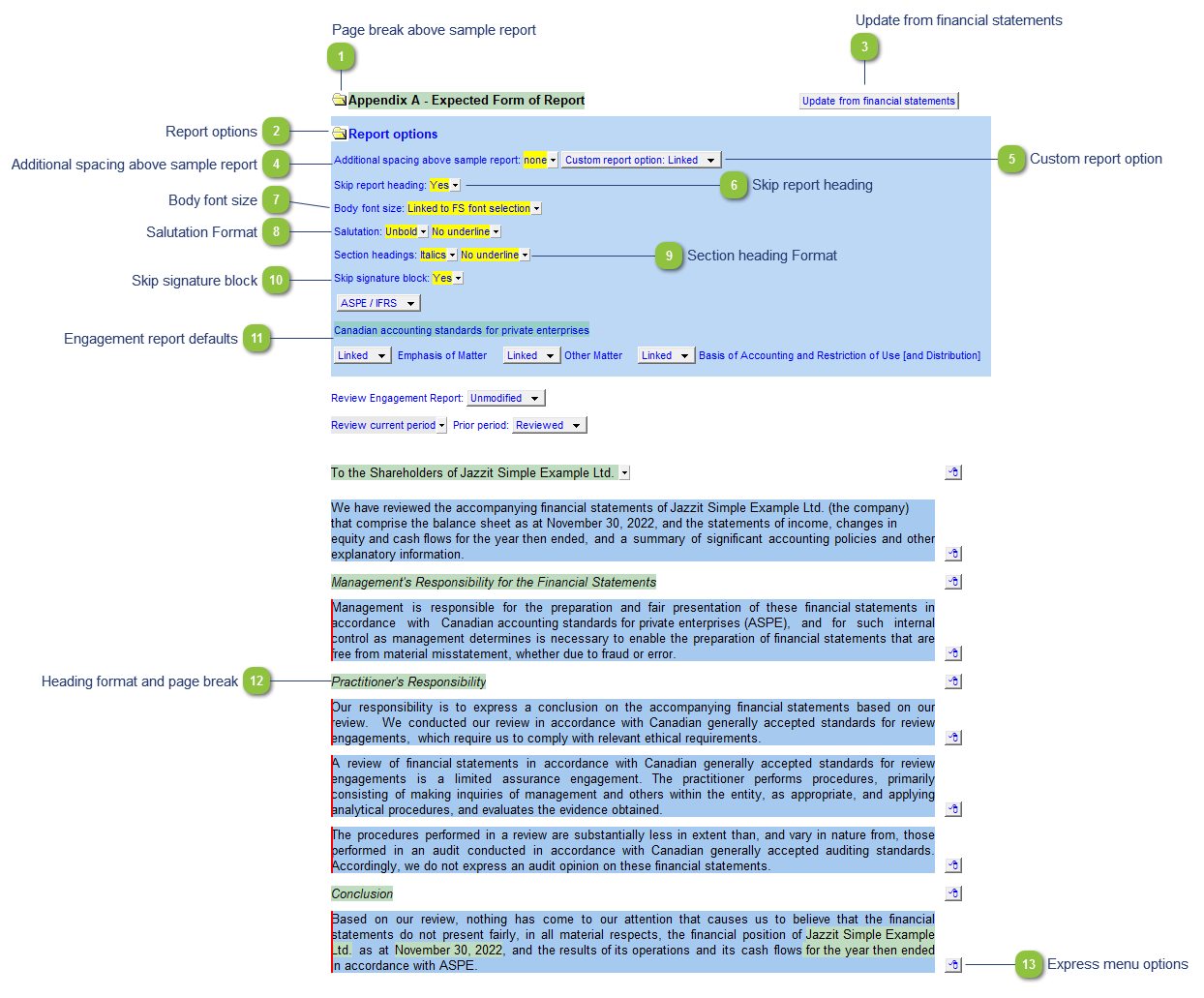
| Number | Name | Description |
|---|---|---|

|
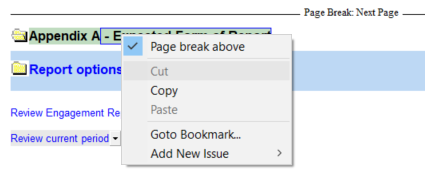
Page break above sample report |
Right-click on the heading for the option to toggle the page break above the sample report on/off.
|

|
Report options |
Click on the folder icon to view more report options. |

|
Update from financial statements |
Click on the Update from financial statements button to update the settings from the Engagement Report in the Jazzit financial statements. Save and close the Jazzit financial statements and return to the Engagement Letter. |

|
Additional spacing above sample report |
Use the popup menu to increase or decrease the spacing above the sample report. |

|
Custom report option |
Convert your appendix report to a custom report. This option is linked to the Jazzit Financial Statements. |

|
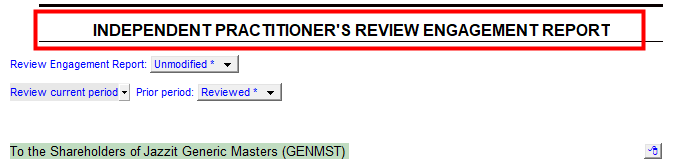
Skip report heading |
Use the popup menu to choose to print or skip the report heading.
|

|
Body font size |
The font size for the Engagement Report can be uniquely set in the Report settings. This can be used as a method to make the Engagement report fit on one page. This links to the Jazzit Financial Statement by default. |

|
Salutation Format |
Set the salutation (heading for the first paragraph) to either Unbold (plain), Bold or Italics. Plus underline. |

|
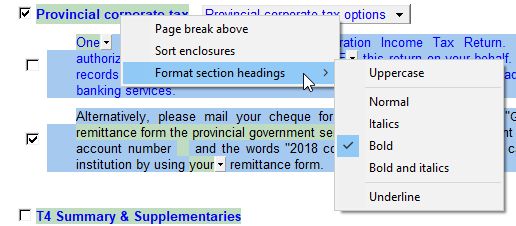
Section heading Format |
Set the Sections headings (All headings for subsequent paragraphs) to to either Unbold (plain), Bold or Italics |

|
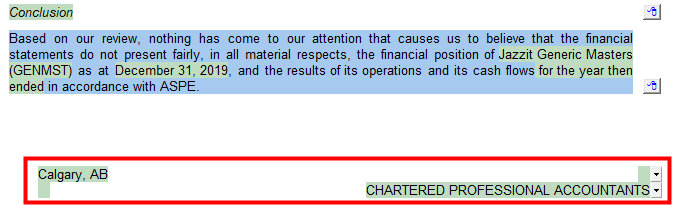
Skip signature block |
Use the popup menu to choose to print or skip the signature area.
|

|
Engagement report defaults |
The defaults are populated from the Engagement Report in the Jazzit financial statements. Use the popup menu to override the Engagement Report defaults. |

|
Heading format and page break |
Right-click for an options to add a page break above the heading or change its format.
|

|
Express menu options |
Right-click on the express menu to view the available paragraph and section options. Use the express menu to insert new paragraphs, sort the paragraphs within a section, insert page breaks and delete existing paragraphs. |