Materiality (420)
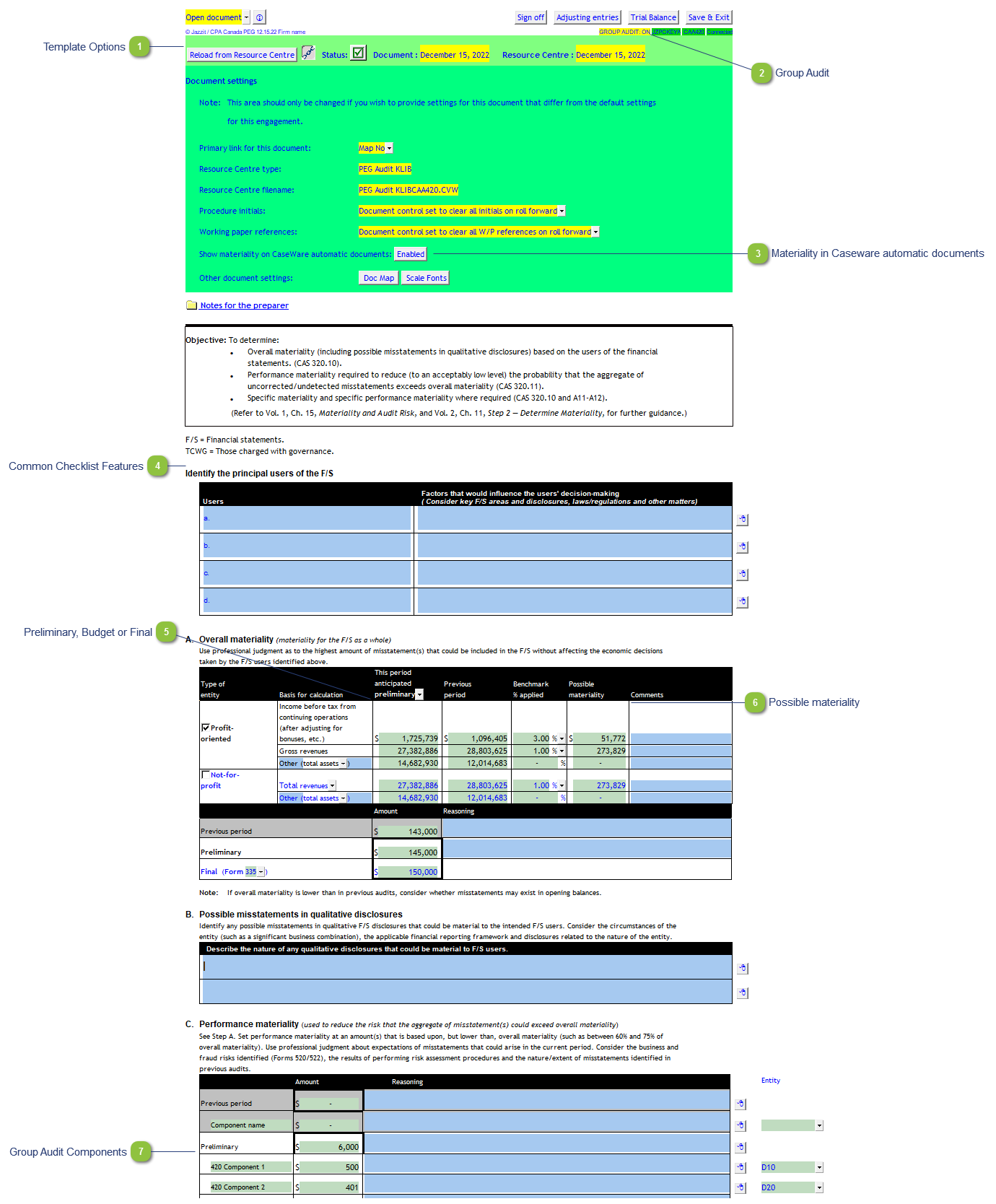
| Number | Name | Description |
|---|---|---|

|
Template Options |
See template options page for more information. |

|
Group Audit |
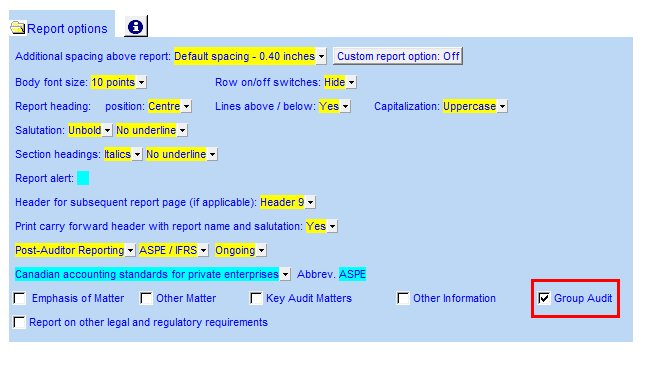
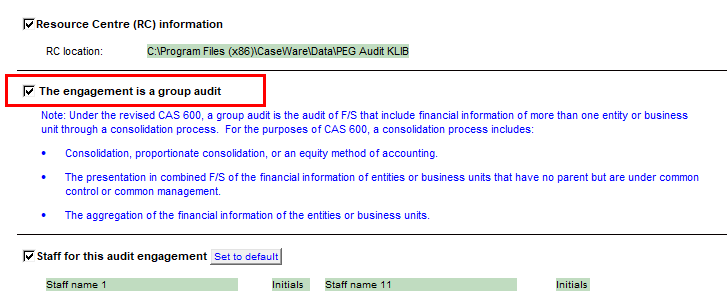
Double-click on the cell to access the Engagement report options in the Jazzit Financial Statements. There you can enable the Group Audit option.
If the Jazzit Financial Statements is not present in the file. The Group audit is set in the Document Control.
|

|
Materiality in Caseware automatic documents |
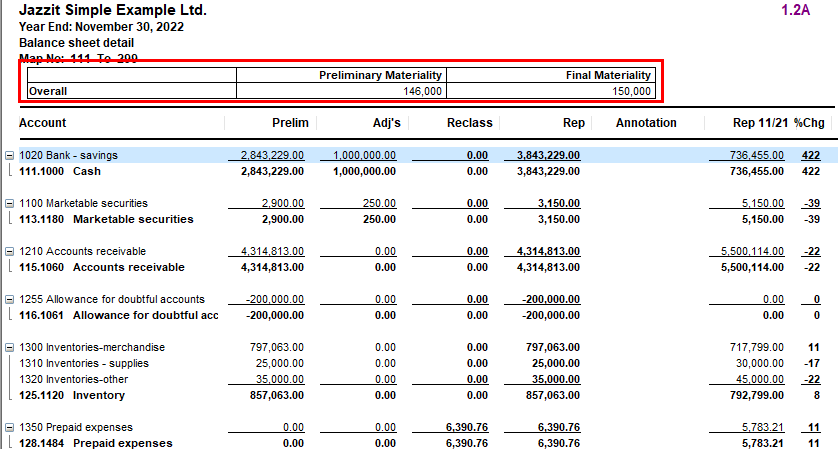
Enable/Disable the materiality section that appears in the Caseware automatic documents. Numbers entered in this checklist will show up in that materiality section.
|

|
Common Checklist Features |
Please see Common Checklist Features for more details. |

|
Preliminary, Budget or Final |
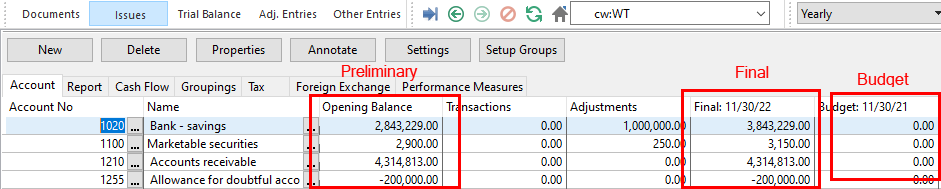
Choose between Preliminary (pre adjusted, transactions), Budget, and Final balances off the Caseware Working Trial Balance.
|

|
Possible materiality |
Calculated by multiplying the Anticipated period with the Benchmark %. |

|
Group Audit Components |
Set your file to Group Audit (See above) to enable the entering the Group components. This data can be transferred to checklist 590.600. Entities have to be selected in order to link these amounts to the 590.600 checklist. See Setting up entities in Caseware for information on setting up entities. |