Analysis of Sales and Gross Profit Schedule
| Number | Name | Description |
|---|---|---|

|
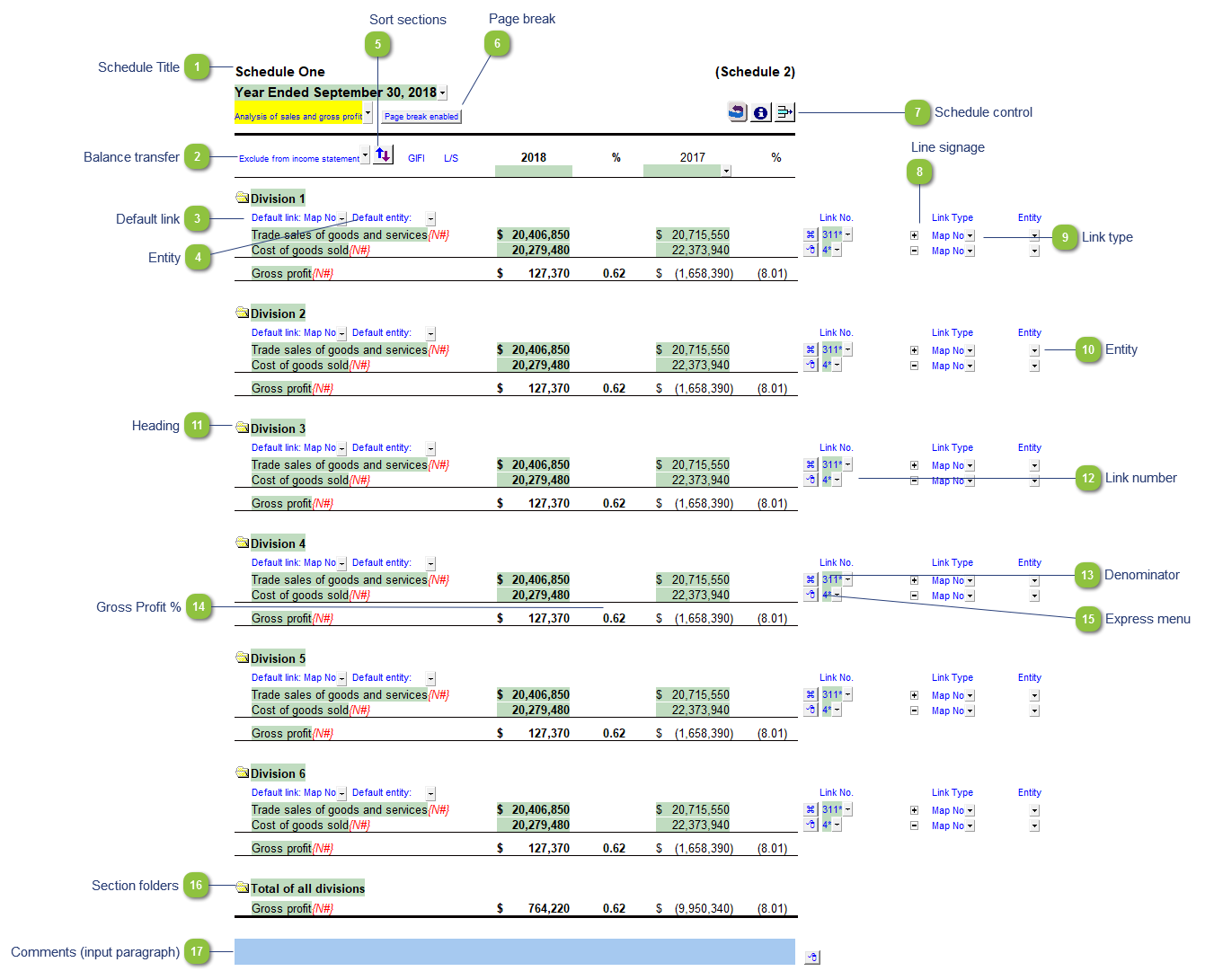
Schedule Title |
Customizable schedule title which appears at the top of the schedule and on the Index Page |

|
Balance transfer |
Select from the dropdown if the schedule total should be included in the following Income Statement areas:
|

|
Default link |
Select the default grouping you want to use for the schedule linkage. The schedule is defaulted to use the Map No link. |

|
Entity |
Select an entity to use in this schedule (blank is default) |

|
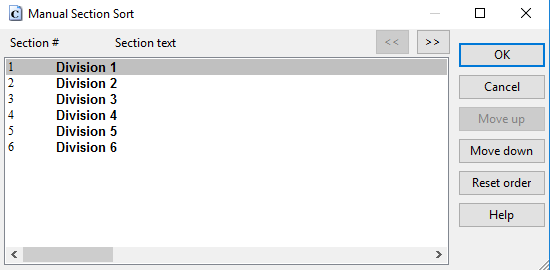
Sort sections |
Click to manually sort the sections in the schedule
|

|
Page break |
Select if the page break should be enabled at the top of the schedule. |

|
Schedule control |
Left-click the button to delete the schedule. Right click the button to reload the schedule from the Resource Centre. |

|
Line signage |
Select if the row should be added (+) or subtracted (-) from the section/schedule total |

|
Link type |
The link type is set from the default link type selected. You can change the link type for the individual row item if different from the default link type. |

|
Entity |
Select an entity to use in a specific line (blank is default). |

|
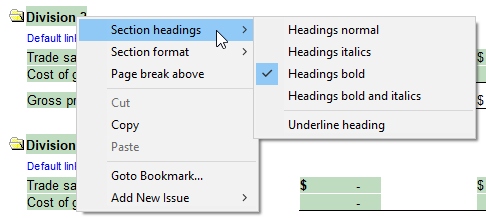
Heading |
Right-click on section headings for formatting options (bold, italics or both). Formatting options also include options for: indents and page break placement.
|

|
Link number |
The link number indicates which linked number (i.e. map number) the row is linked to. Use the popup menu to select a link number. This can be a map, account or group number depending on the link type selected. Refer to Balance Origins for more information. |

|
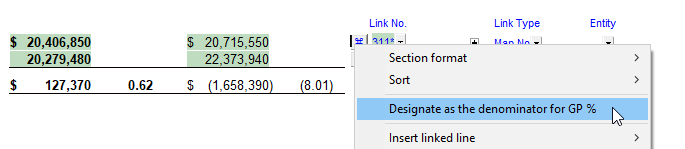
Denominator |
This symbol denotes the denominator line for the purposes of calculating gross profit. Right-click on the express menu of a line for the option to designate a line as the denominator.
|

|
Gross Profit % |
Double-click on a gross profit % to set the number of decimals points for all % information in the schedule. |

|
Express menu |
Right-click on the express menu to insert more linked or manual lines, insert subtotals, sort and delete current lines where the options are available. |

|
Section folders |
Click on the folder icon to print or skip a section or total |

|
Comments (input paragraph) |
You can edit existing input paragraphs or insert more paragraphs using the express menu. Refer to Input Paragraphs for more information on inserting paragraphs. |